KIDvent - Advent for Kids
Here are some Advent resources for any who are on the younger side.
ENJOY!
Start with this one ...
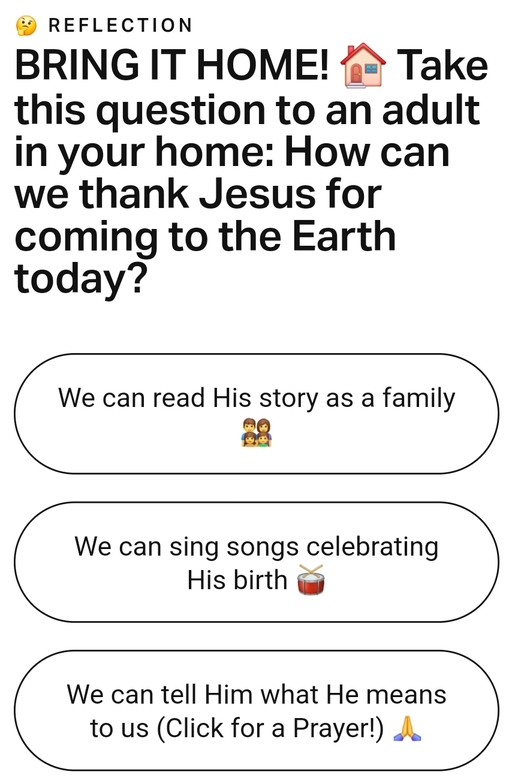
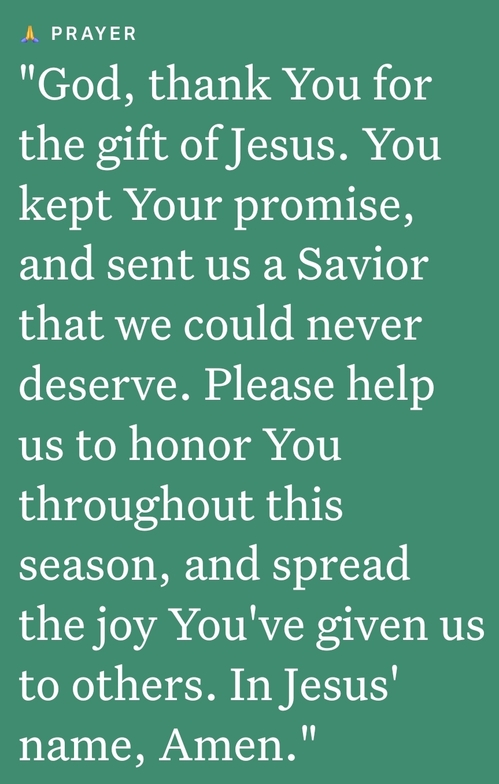
KID-flections
Advent Reflections just for YOU!
Watch the video and then go through the picture gallery to finish the reflection.
In order to read each element of the reflection do one of these two things:
1. On a computer, place the cursor over the reflection element (picture) you want to read - ya' gotta be QUICK. Then, RIGHT CLICK your mouse or touch pad and select "Open image in a new tab".
2. On a phone or tablet, PRESS & HOLD your finger on the reflection element (picture) you want to read and then, SELECT the option to "Open image in a new tab".
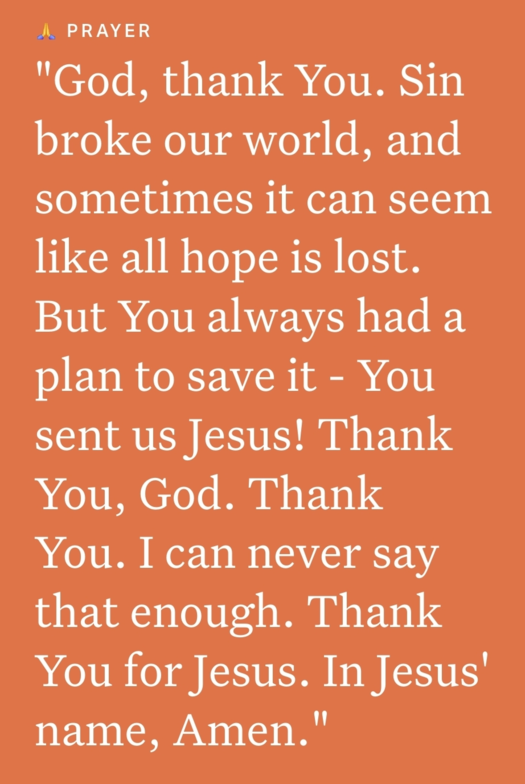
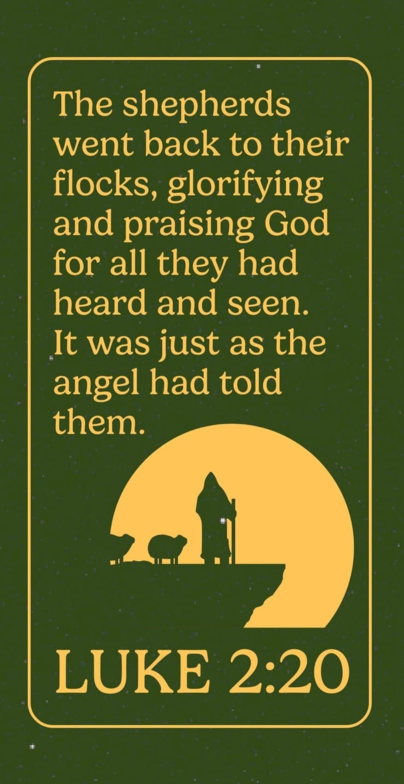
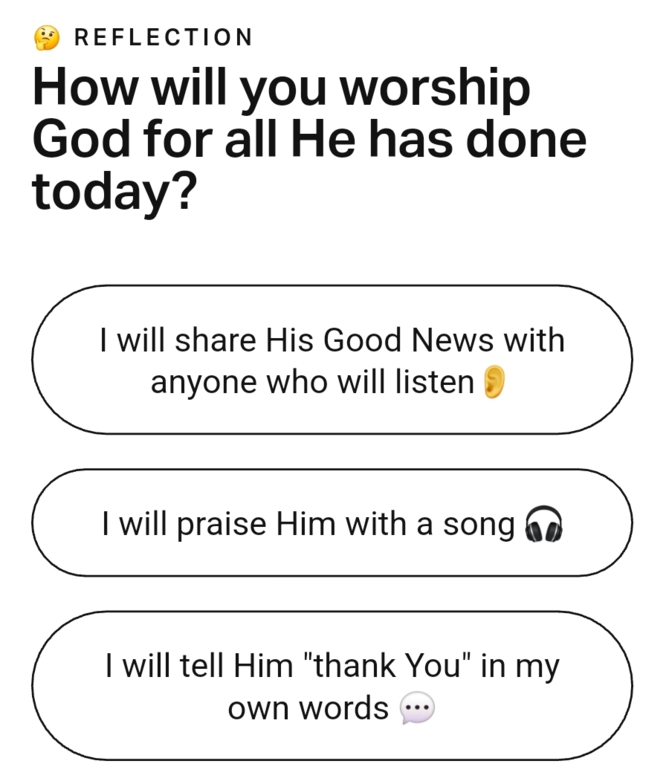

KID-flection #2
Another Advent Reflection just for YOU!
Watch the video and then go through the picture gallery to finish the reflection.
Watch the video and then go through the picture gallery to finish the reflection.
You can enlarge the video by clicking on the "enlargement" icon to the immediate bottom right of the video.
1. On a computer, place the cursor over the reflection element (picture) you want to read - ya' gotta be QUICK. Then, RIGHT CLICK your mouse or touch pad and select "Open image in a new tab".
2. On a phone or tablet, PRESS & HOLD your finger on the reflection element (picture) you want to read and then, SELECT the option to "Open image in a new tab".